How to know if your Squarespace site is on 7.0 or 7.1
Is my Squarespace site on version 7.0 or 7.1?
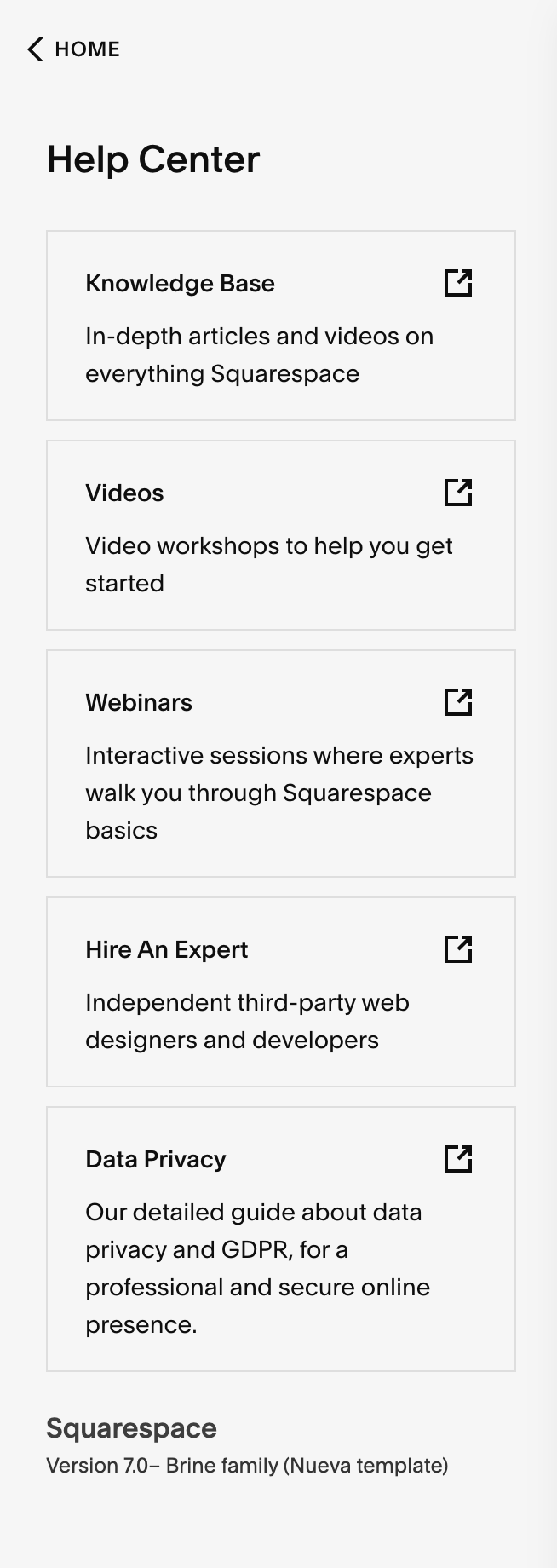
To see which version of Squarespace you are using, log in and click on Help in the left dashboard menu. The version number is displayed at the bottom of the left column. If you are using 7.0 you will also see your template name displayed here.