
Did you know you can update your copyright year automatically on your Squarespace website
It’s January 2024 and as you make your business plans for the New Year, I quickly wanted to share some code for updating the copyright notice date in the footer of your website.
Examples of links you can put in your footer:
Copyright Notice. This should indicate the year your website was first published and the current year (see code to automate this below)
Your Company Phone Number, Email etc, with hyperlinks
Links to pages that are not in the main navigation (if you are a client of mine you will know that I am always encouraging you to keep your main navigation clutter-free and use your footer real-estate)
A map block showing your location (if you are a physical business) or a link to a Google Map
Links to your privacy policies, terms and conditions and cookie policy (see here for more details about cookies). Please contact me if you need help with your policies. I can put you in touch with an Irish GDPR specialist.
Links to your social media accounts
Your Instagram feed, if you do Insta!
A newsletter sign-up block or free download
As for updating the copyright year, use the code below and next January you won’t need to think about it.
Here’s the code that you can enter in a Code block in your footer to automatically update your copyright year
Please note that if you are on a Squarespace Business or Commerce plan you can use the Code Block in your footer but if you are on a Personal place you can use the Markdown Block instead. Use the following HTML code depending on what you want it to look like:
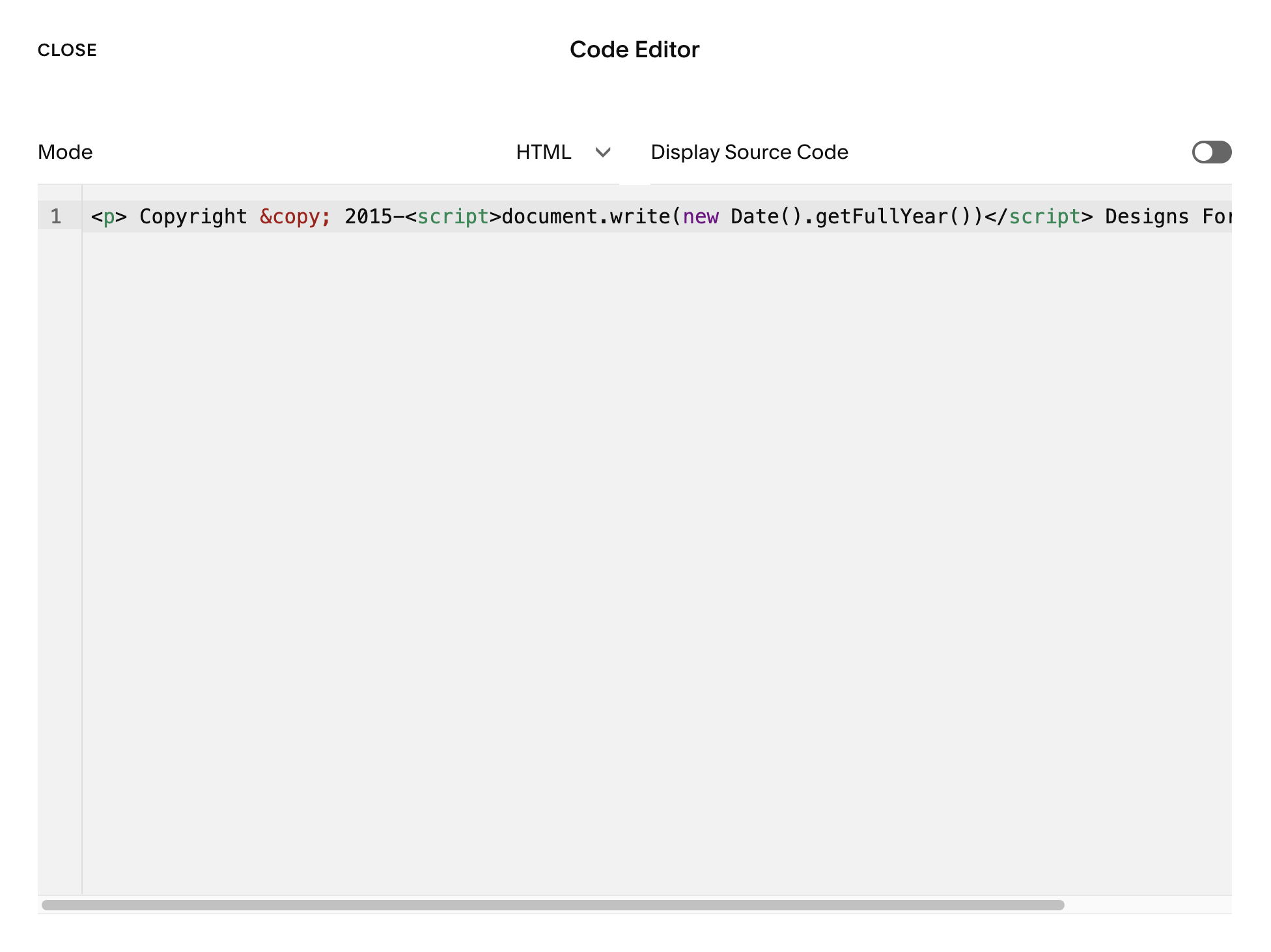
This is a screenshot of the code block with the script added.
Simplest Layout:
<p>Copyright © <script>document.write(new Date().getFullYear())</script> Designs For Growth Ltd</p>To Include a Date range:
<p> Copyright © 2015-<script>document.write(new Date().getFullYear())</script> Designs For Growth Ltd</p>To Centre the copyright notice in your code block or markdown block (note American spelling of ‘center’):
<p style="text-align: center"> Copyright © 2015-<script>document.write(new Date().getFullYear())</script> Designs For Growth Ltd</p>Remember, when adding a code or html block you will get a ‘script disabled’ message while you are in editing mode. Once you look at the site from the front-end, it will work perfectly.
If you would prefer for me to do this for you, just get in touch and I would be happy to help.
