
Do you need to have your website in Kajabi as well as your course or membership?
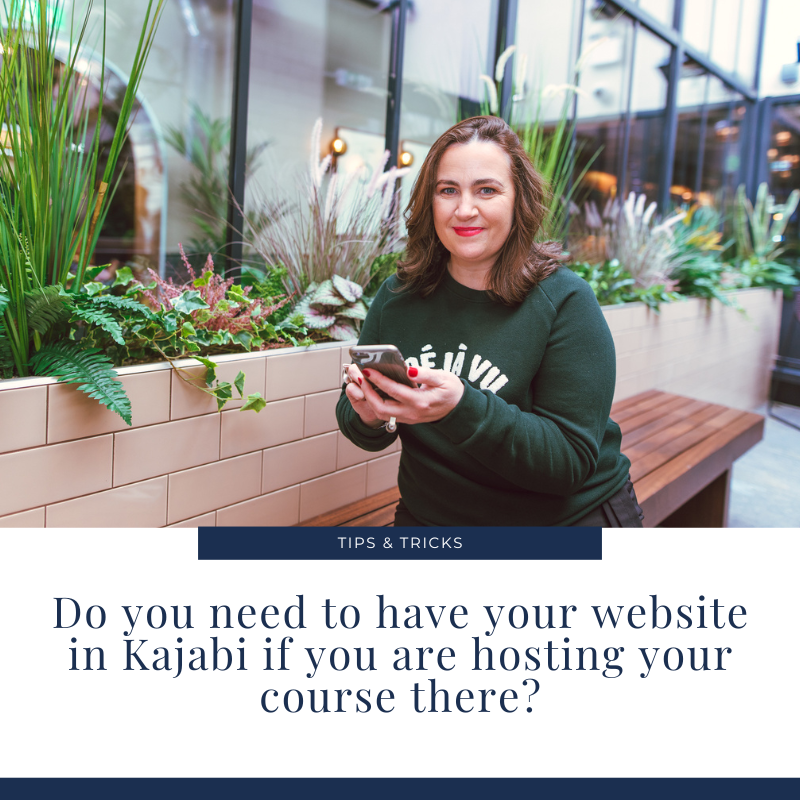
Are you thinking about launching a course or membership in Kajabi but wondering about whether you need to move your entire website there too? Well, the short answer to that question is no. It’s perfectly possible to keep your website where it is now and still use Kajabi for your courses, coaching or memberships.
How do I manage my sales pages then? On my existing website or in Kajabi?
Again, you have options. You could create your sales page on your existing site but you would need your customer to actually go through the checkout process in Kajabi in order to trigger the sale and give them access to your course. So you would need your ‘Enrol Now’ or ‘Sign Up Now’ button to take the customer away from your website to Kajabi to finish the checkout process. (Note that anyone signing up for anything on your Kajabi site must first and foremost create an account there too, before getting to checkout).
Or, you could have your Sales Page in Kajabi and direct your customers there from your website, social media, emails etc and that would naturally link to the Kajabi course checkout page.
What are the benefits of keeping my website on my existing platform, instead of moving it to Kajabi?
Clearly you will save money by not building a new website. Moving your website over could be time consuming and costly, depending on how extensive if it and particularly if you have lots of blog posts to move over. It is not possible to export and import blog posts from Wordpress, Squarespace or Wix for example into Kajabi. You need to manually copy and paste them over, taking care to take note of each blog url so that you can replicate it on Kajabi, or (redirect it if necessary), the dates when they were posted and so on. You will lose any existing blog comments too, so if you get a lot of feedback and comments on your posts, you might want to consider leaving your site where it is.
By leaving your site where it is, you keep all existing SEO juice, in other words you get to keep your existing Google ranking and there’s no messing with urls, url mapping and so on. URL mapping is when your page urls change, say from www.yourdomain.com/about to www.yourdomain.com/about-me (a very simple example). Oftentimes when you go about creating a new site your urls change, either because the existing ones were not very well designed, ie www.yourdomain.com/new-page-4 or because your sitemap gets reorganised and urls get modified accordingly. In this case, you need to do some url mapping which tells Google that www.yourdomain.com/new-page-4 is now www.yourdomain.com/services
If you do move everything over, make sure you have a custom 404 page in case anyone lands on an old url that they may have found on the internet or in their own computer cache/browsing history. A 404 page will tell them where to go to get the the right place if that url is no longer working. If you brand it and customise it, it will be a better experience for your reader than a standard error page which might make them think your site is down or worse that you’ve gone out of business!
Suffice to say, moving your site over will cost time and money.
However, sometimes it makes complete sense to move everything over.
Why should I move my site to Kajabi?
Here are some reasons why you might want to move your site to Kajabi when you are planning on using it for a course or membership
your existing site needs a revamp anyway
you don’t want to have to manage two platforms and wonder where do you blog, where do you put your sales pages, where do you want to drive your traffic
all your brand assets are in the one place
uploading video is a dream
you intend doing a lot of pre-launch marketing (which I highly recommend) and need sales pipelines, such as a waitlist page for a webinar, a webinar page, a post-webinar email sequence providing the webinar replay, a follow-up email with your sales page etc If you follow this sort of course marketing strategy, you will end up spending a lot of time in Kajabi, driving a lot of traffic there from your email and social media marketing etc and yet unless you move your website over, this Kajabi site with all these Sales Pages/Landing pages won’t have your primary domain and won’t have the same SEO ranking that your primary domain does.
you want to take advantage of Kajabi’s new Coaching offering, allowing you to really streamline your one to one coaching business
So, there are pros and cons to leaving your site where it is or moving everything over. Interestingly I am working with several clients at the moment who have no existing website and so are getting started directly in Kajabi. That’s certainly the easiest way!
If you’ve got questions about this, drop me a note in the comments below and I will do my best to answer them.
In the meantime, if you’re thinking about using Kajabi but not sure if it’s right for you, take this quiz…
