
Why I build on Squarespace - and what established founders need to know before choosing a website platform
This post is for founders who are about to invest in a new website and are trying to work out which platform to build it on. It's also for founders who already have a Squarespace site and are wondering whether it's the right long-term choice for a business that is growing.
I've been building on Squarespace for nearly a decade. Every client website I build is on Squarespace. That's a deliberate professional choice, not a default, and this post explains the reasoning behind it, what the platform can and can't do, and what established founders should actually be asking before they choose a platform for their next website.
Why platform is the wrong first question
Most founders approaching a website project start by asking which platform they should use. WordPress or Squarespace? Squarespace or Webflow? Should they use a template or build from scratch?
These are reasonable questions. They are also the wrong first questions.
The right first question is: what does this website need to do? Who is it for, what does it need to say, and what should a visitor do when they land on it? The answers to those questions determine the brief. The platform is a tool for executing the brief — and most modern platforms, chosen correctly, can execute a strong brief well.
The websites that underperform almost never fail because of the platform. They fail because the strategy wasn't there before the build began. The positioning was unclear, the copy was written to fill space rather than to convert, the design was aesthetic rather than commercial. A better platform would not have fixed any of that.
Strategy first, always. The platform question comes after.
Why I choose Squarespace for client work
With that said, platform does matter and I choose Squarespace for specific reasons. (Kajabi too, for course creators and Shopify for ecommerce).
Design quality at a professional level
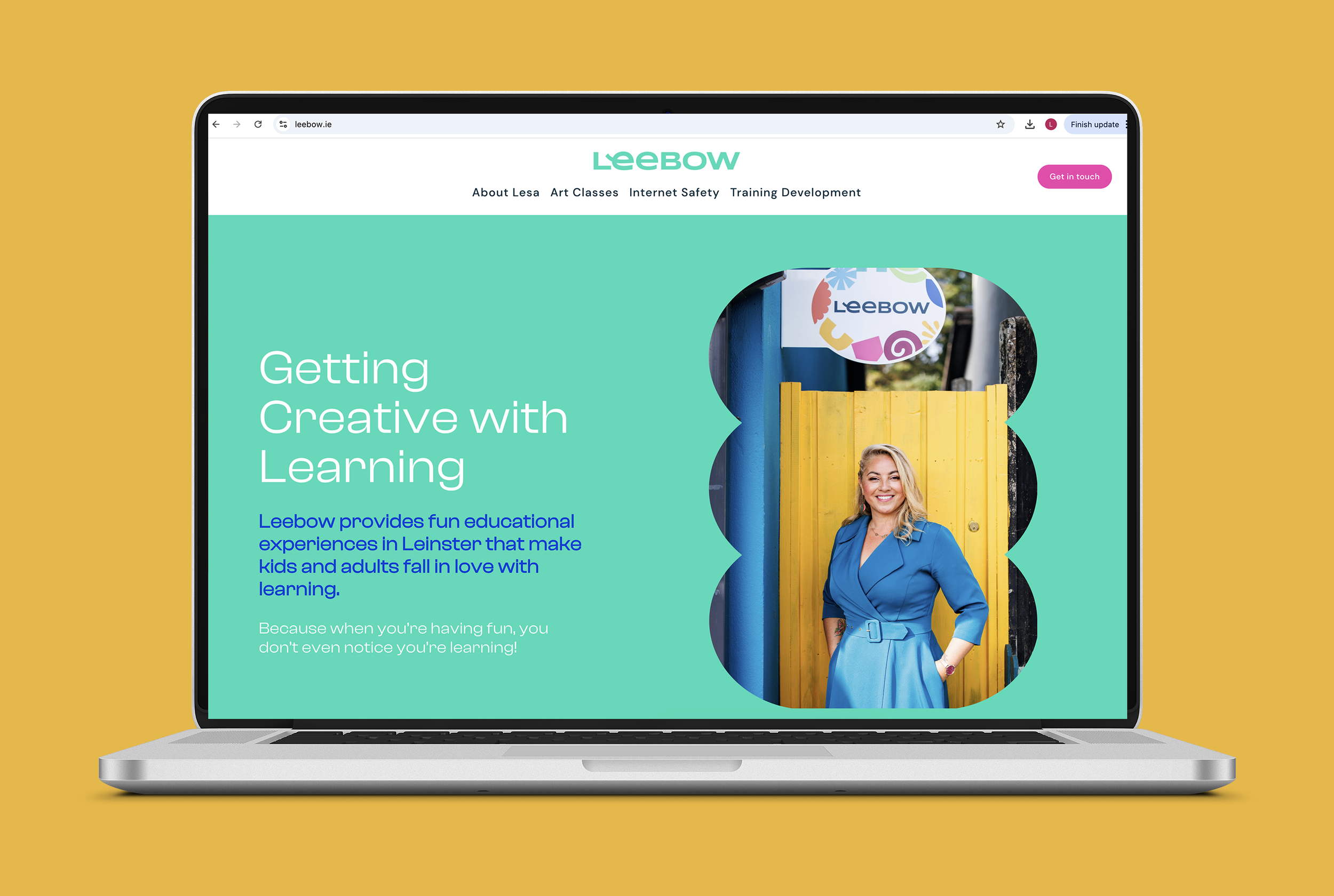
Squarespace is built for design. The typography controls, the layout flexibility, the image handling — all of it is built to produce sites that look professionally considered rather than template-generated. In the hands of a designer who understands spacing, hierarchy, colour and visual language, Squarespace produces websites that hold their own against anything built on a more complex platform.
The distinction that matters here is between a Squarespace site built by a professional and a Squarespace site built by someone using the platform for the first time. They are not the same thing. The platform is capable of producing exceptional work. Whether it does depends entirely on who is using it and what brief they are working from.
SEO capability
Squarespace 7.1 - the current version of the platform - has solid SEO foundations built in. Clean code, fast load times, mobile-responsive layouts, customisable page titles and meta descriptions, schema markup capability, and a blog function that produces properly indexed content. For the founders I work with, established businesses building search authority in a specific niche, Squarespace gives me everything I need to build a site that performs in search.
Ease of handover
This matters more than most founders realise at the start of a project. A website built on a platform the founder can't use independently creates a dependency that costs money and time every time something needs to change. Squarespace is designed to be managed by non-developers. Once the site is built and handed over, the founder can update copy, add blog posts, change images and manage basic content without needing a developer every time.
That autonomy is part of what I build for. The website should work for the business after I've finished with it, not require ongoing technical support to stay functional.
Reliability and support
Squarespace is a mature, well-resourced platform with a strong track record of uptime, security and ongoing development. For established founders whose websites are commercial assets — not experiments — that reliability matters.
What business owners and founders need to know about Squarespace 7.1
If you're new to Squarespace or considering moving from an older version, one thing worth understanding: Squarespace 7.1 eliminated the old template system entirely.
In the previous version - Squarespace 7.0 - different templates had different features and layout possibilities. Choosing the wrong template could limit what you could build. That's no longer the case. Every Squarespace 7.1 site is built on the same underlying framework. The layout options Squarespace shows you when you start a new site are starting points, not constraints. Any of them can build any kind of site.
What this means in practice: the template you start from is irrelevant. What matters is the strategy, the copy and the design decisions made on top of it.
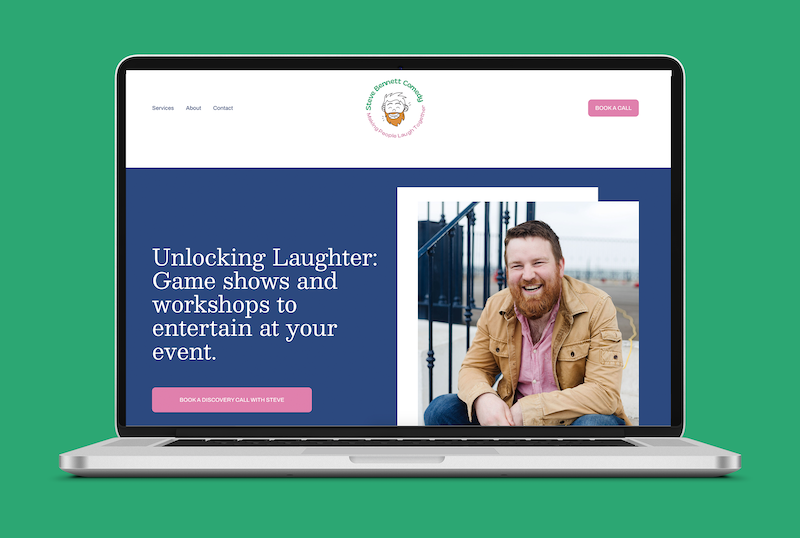
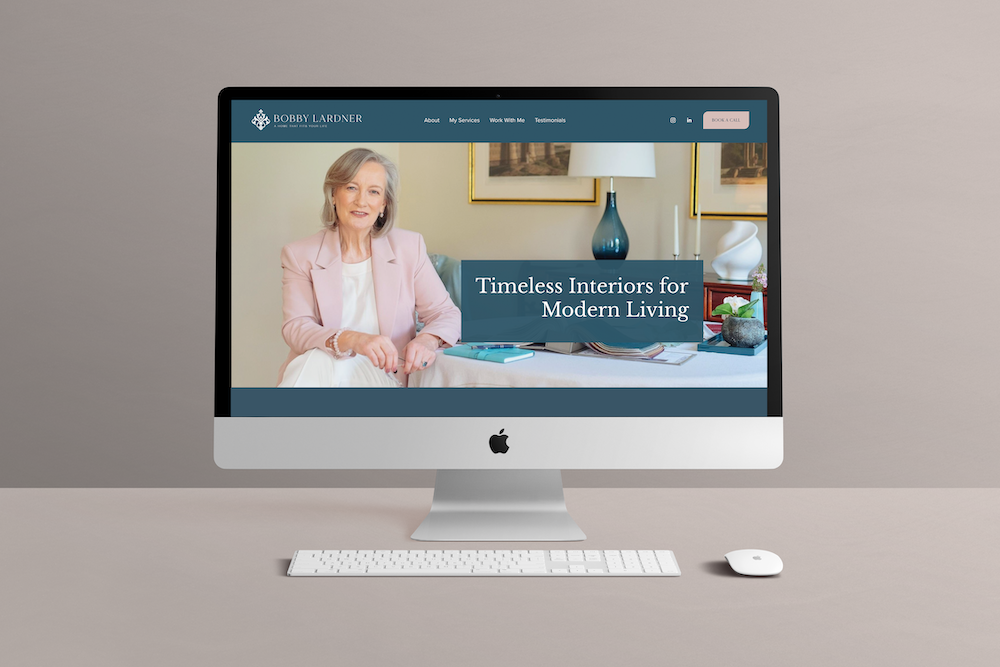
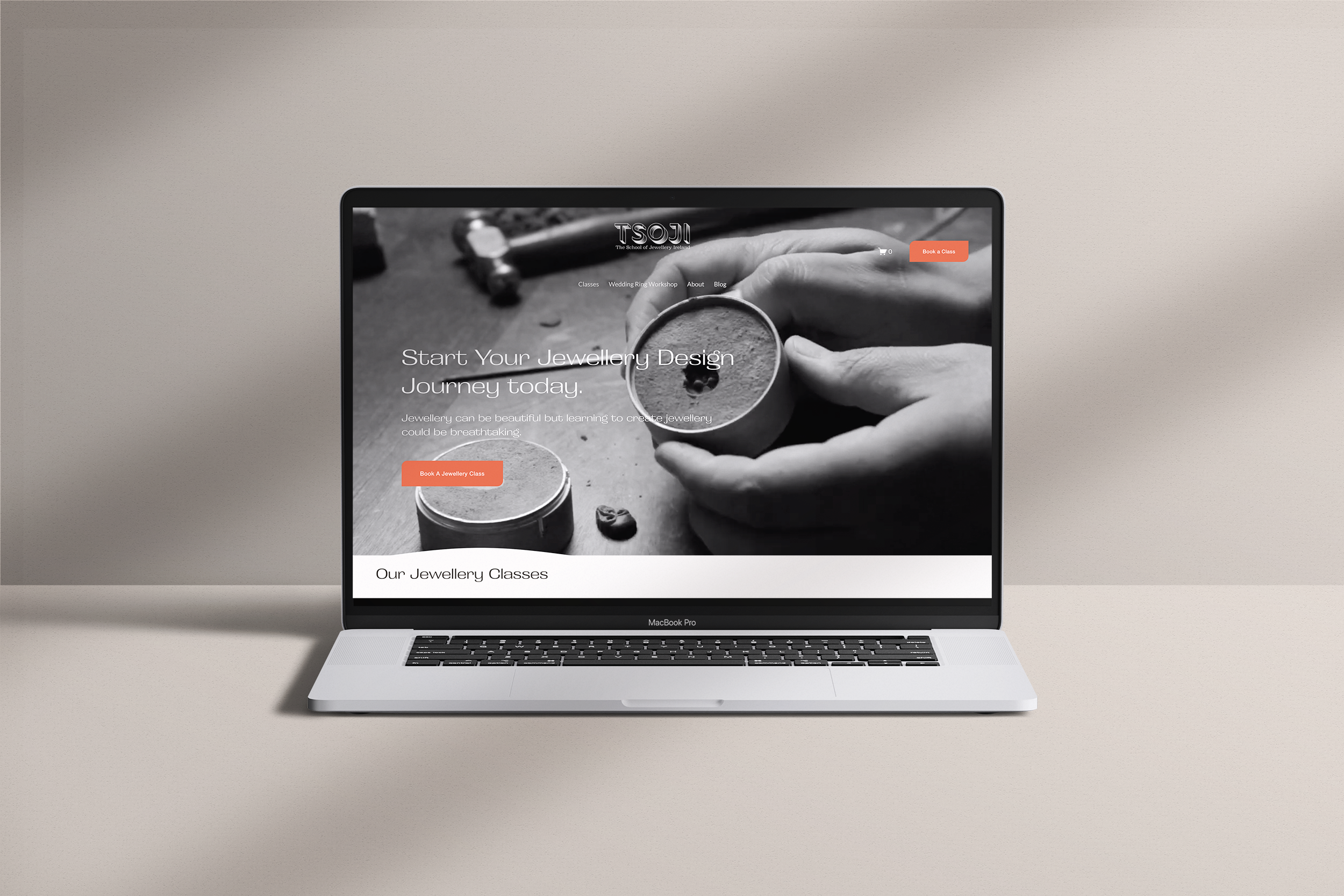
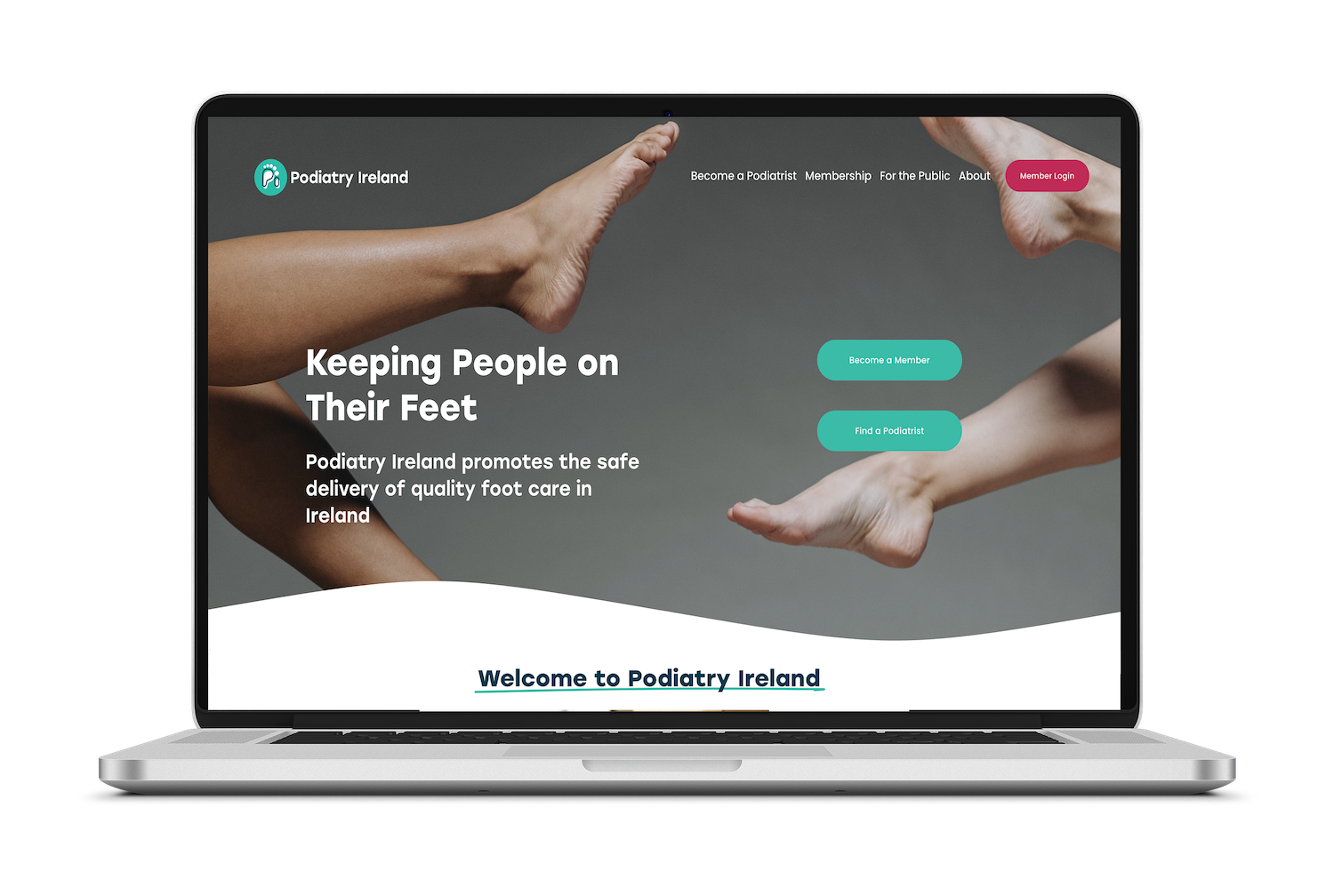
What a professionally built Squarespace site looks like versus a DIY one
The platform is the same. The results are not.
A professionally built Squarespace site is built from a strategic brief — a clear positioning, a named audience, a defined hierarchy of information that reflects how the right client makes a decision. Every page has a job. Every section earns its place. The copy and the design work together rather than in parallel.
A DIY Squarespace site is typically built from the template outward — filling sections with content that exists rather than content that converts, making design decisions based on what looks good rather than what works commercially, and arriving at a site that is technically functional and strategically unclear.
The difference is not the platform. It is the thinking that preceded the build.
For founders whose websites are doing serious commercial work - attracting the right clients, commanding the right fees, opening the right doors - that thinking needs to come first.


What to look for in a Squarespace designer
Not all Squarespace designers are doing the same work. A few things worth asking before you appoint one.
Do they start with strategy or with design?
A designer who asks for your brand colours and logo before asking about your positioning, your audience and your commercial goals is starting in the wrong place.
Can they write copy, or will you need to provide it?
Copy is where most websites lose the most ground. A designer who hands you a brief and asks you to fill in the words is leaving the hardest and most important part of the project to the person least equipped to do it objectively.
Do they have case studies that show the strategic thinking, not just the visual outcome?
A portfolio of beautiful sites tells you the designer can execute. Case studies that document the problem, the strategic decisions and the commercial outcome tell you the designer can think.
Do they have a methodology?
A designer with a named, repeatable process is applying something that has been tested and refined. A designer who approaches each project from scratch is experimenting on your budget.
Where to start
If you're an established founder approaching a website project and you want to make sure the strategy is right before the build begins, the Brand Clarity Session is the right first conversation. A focused 90-minute strategic conversation that identifies exactly what your website needs to do and whether your current brand is ready to support it. €1,500 + VAT, credited in full against the Brand Authority Method™ if you proceed within 60 days.
If you're ready to find out what the full end-to-end engagement looks like - strategy, identity, copy and website build from the same strategic foundation - you'll find more detail on the Brand Authority Method™ page.
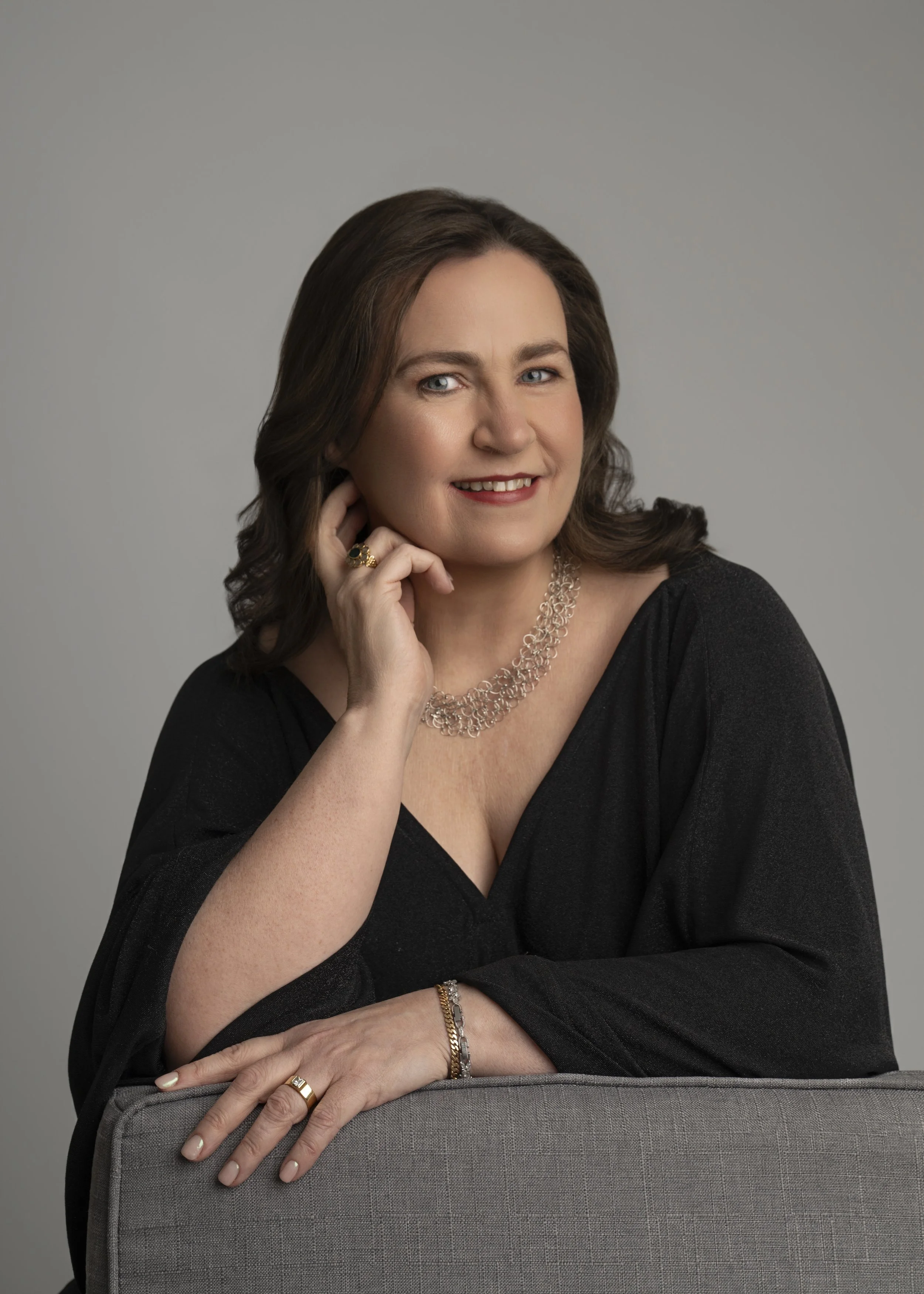
I'm Lucy O'Reilly, an award-winning brand strategist and designer based in Dublin, Ireland.
I've worked with over 100 founders and business owners across nearly a decade in practice, and I'm the creator of the Brand Authority Method™ — a six-step end-to-end engagement covering brand strategy, visual identity, brand photography, website copy, and website design and build.
I work with established founders who are ready to scale, and whose businesses have outgrown their brand.
